Free Printable Weekly Time Blocking Schedule Template
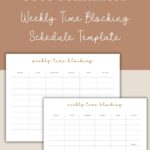
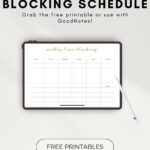
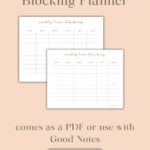

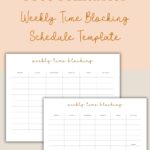
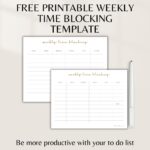
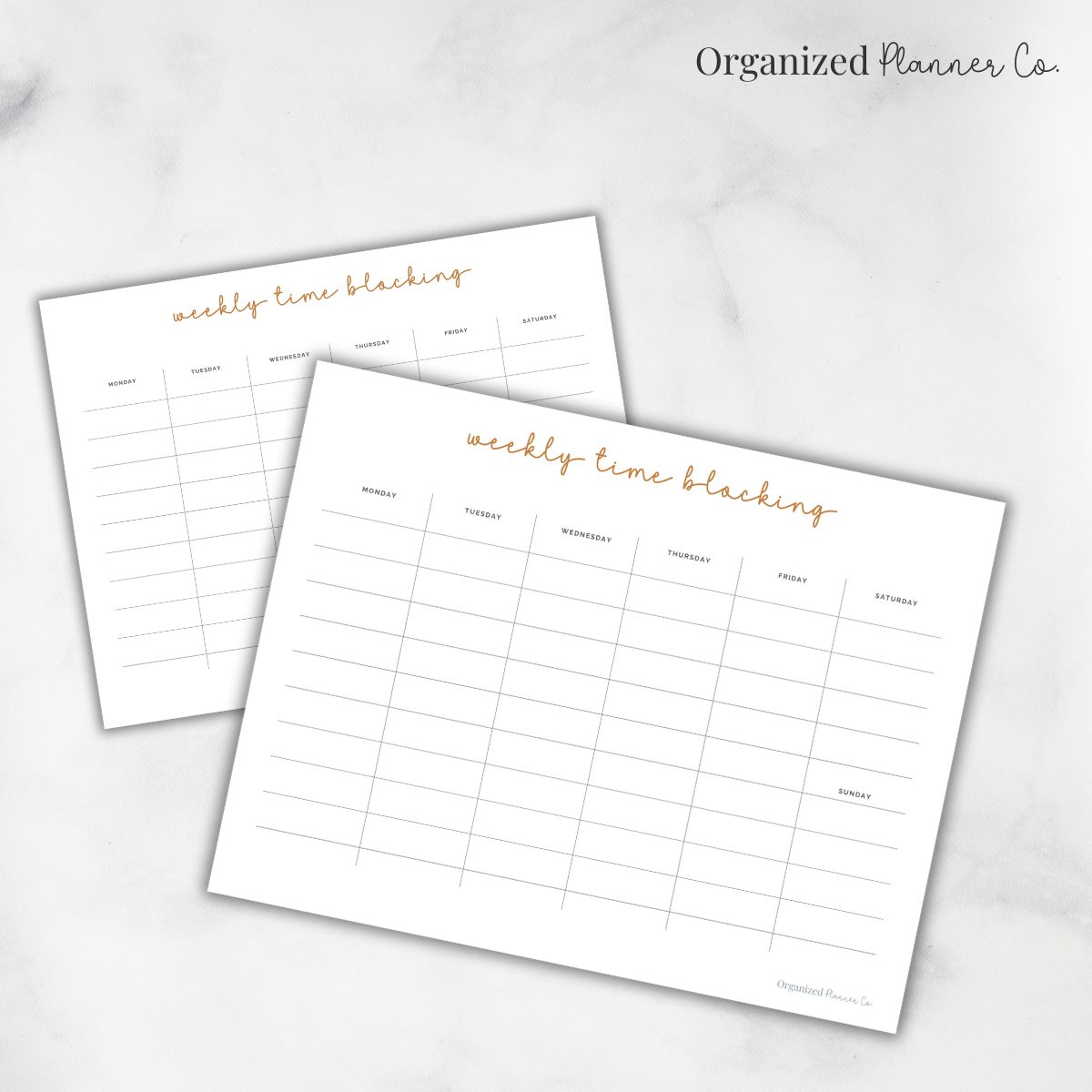
This free printable weekly time blocking schedule template is a powerful way to plan your week with purpose and stay focused on what matters most.
If you want a simple weekly schedule you can actually stick to, this time blocking layout gives you a clean, visual way to organize your days without listing specific hours. It is perfect for anyone who wants to create structure, reduce distractions, and make better use of their time throughout the week.
There are affiliate links in this post – please read my full disclosure policy. As an Amazon Associate, I earn from qualifying purchases.
Time blocking helps you see where your time is really going. This weekly template makes it easy to map out your days, set gentle routines, and create a weekly rhythm that supports your real life—not a perfect schedule you’ll never stick to.
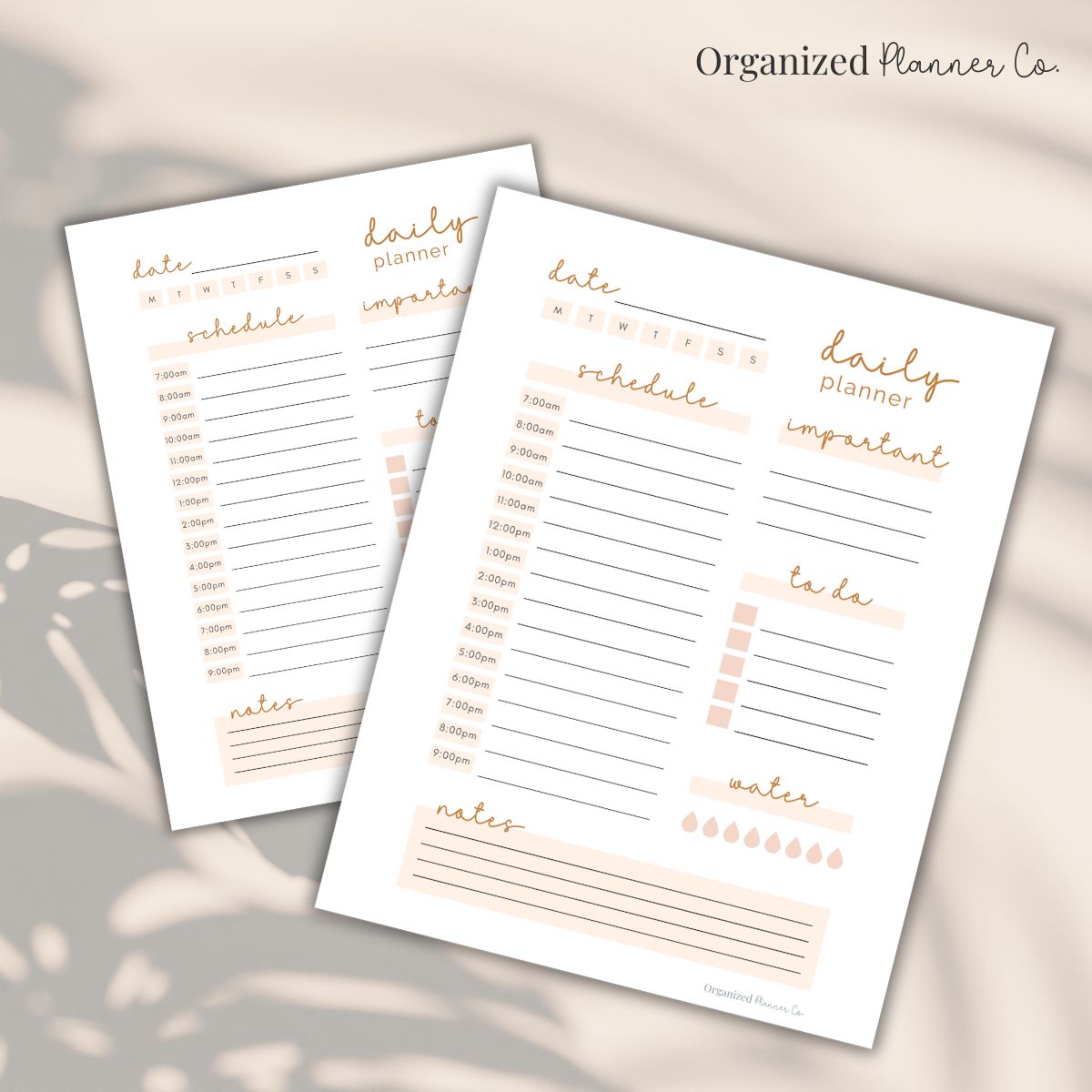
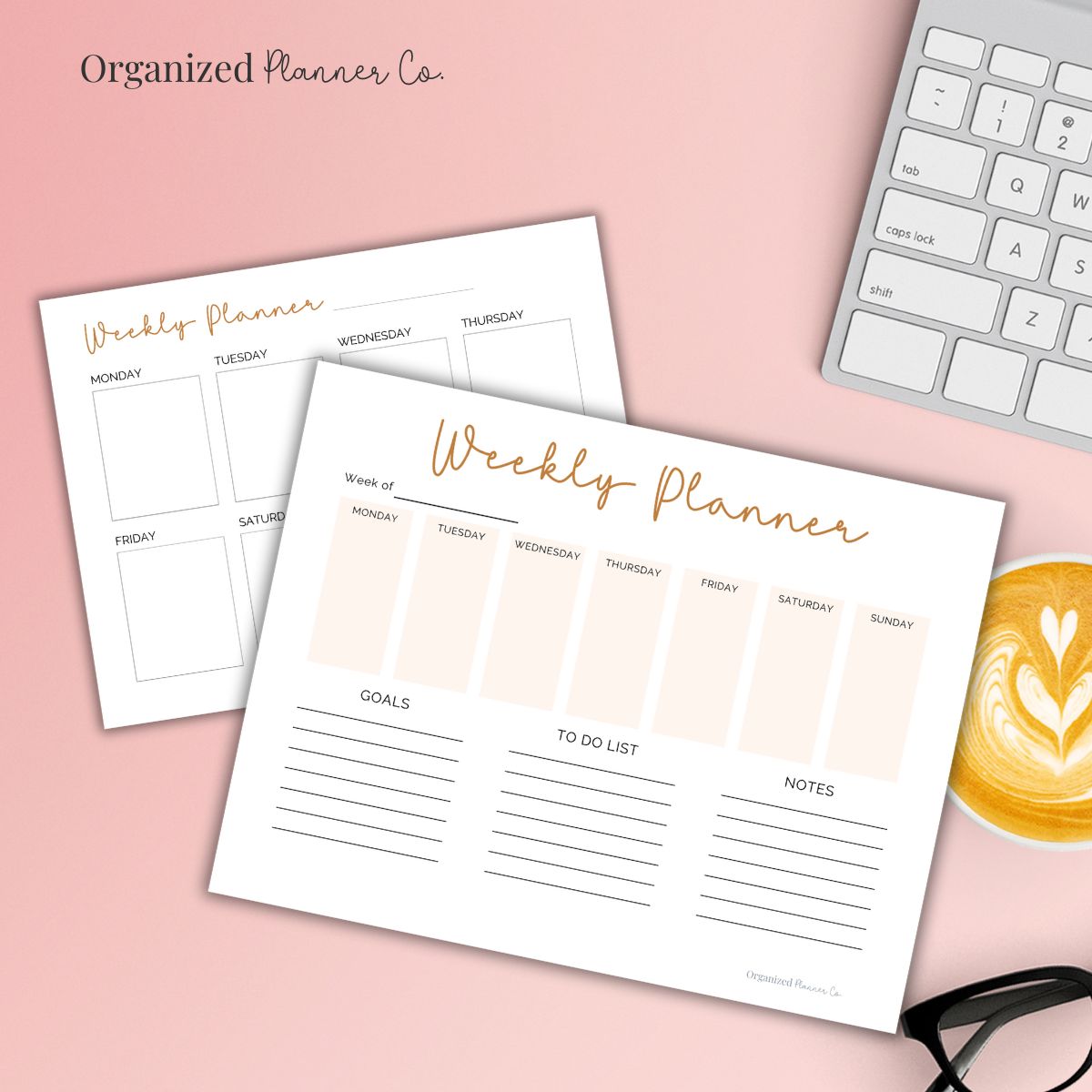
You can pair this template with the Weekly Planner for a full weekly overview or combine it with the Daily Planner or Daily Top 3 page to stay focused throughout the day.

⭐️Why a Weekly Time Block Layout Reduces Overwhelm
When everything on your plate feels urgent, it becomes hard to know what to work on first. Time blocking helps you group similar tasks together, stay focused on one thing at a time, and protect space for the things that matter most—work, family, rest, and everything in between.
📌Step-by-Step: How to Time Block Your Week
Here’s a simple way to fill out your weekly time blocking page:
1. Start by listing your weekly responsibilities
Think: work hours, school drop-offs, cleaning blocks, workouts, meal prep, errands, appointments.
2. Decide which tasks belong together
Batching similar tasks helps your brain stay focused and saves you time.
3. Choose your time blocks
Morning, afternoon, evening, or more specific blocks—whatever feels natural and easy for you.
4. Fill your blocks into each day
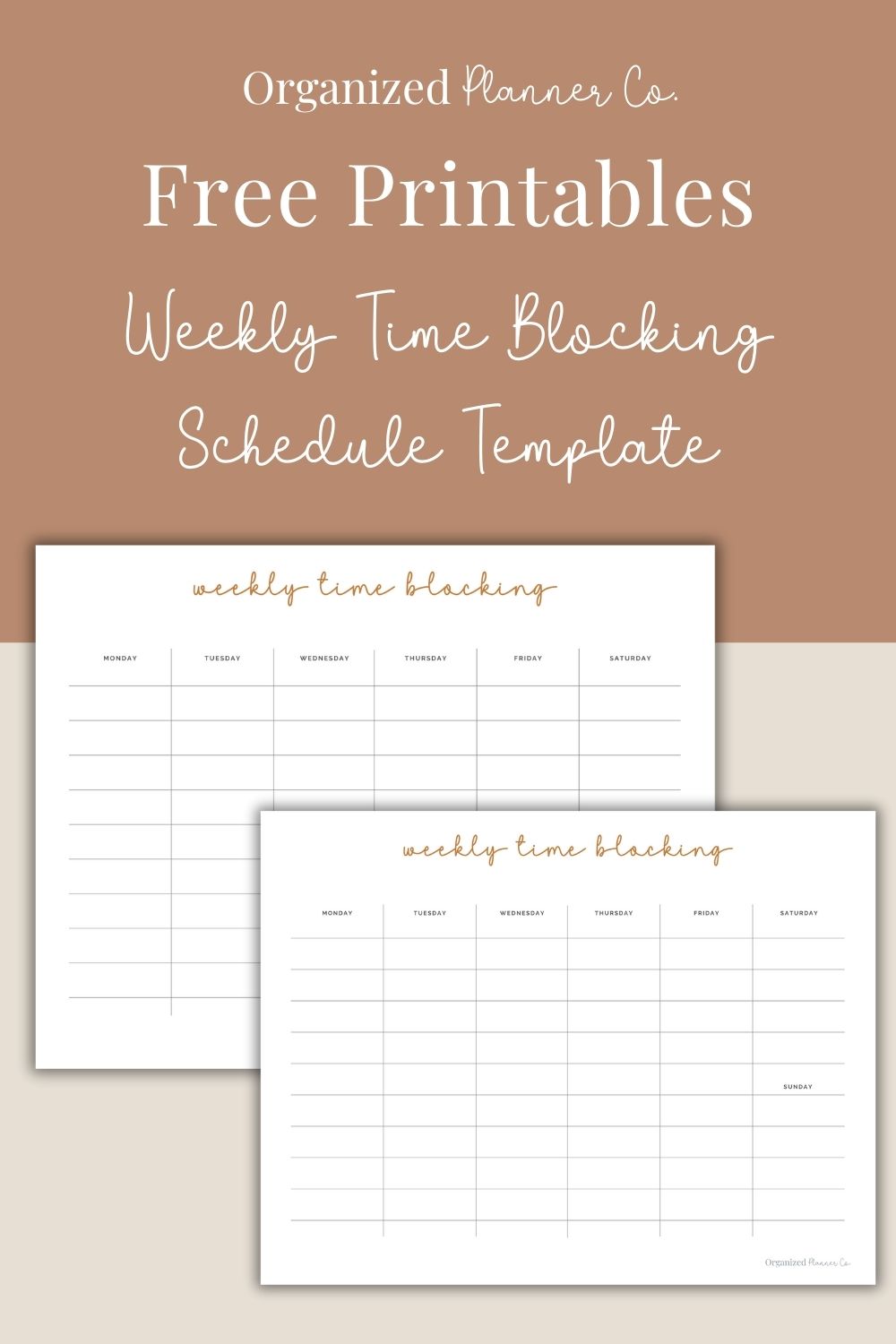
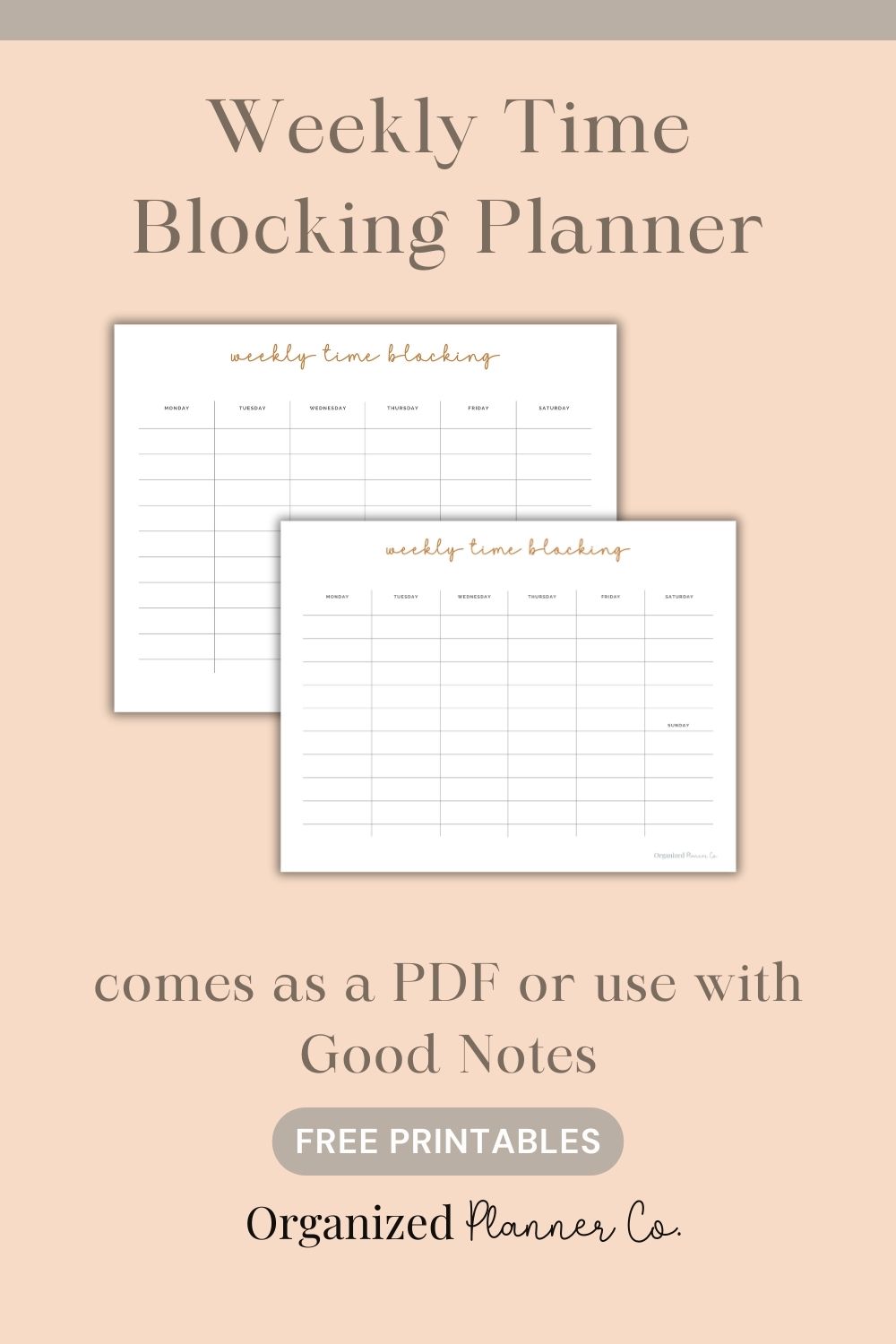
Use the blank vertical columns on the template to map out your week from Monday through Sunday.
5. Keep space for flexibility
Time blocking is meant to guide you, not overwhelm you. It’s okay to leave space open.
🚨Tips to Make Time Blocking Feel Easy
- Color-code your blocks if it helps you stay focused
- Start with only a few blocks per day — don’t overfill
- Review your schedule every morning
- Adjust the plan as needed — life is allowed to change
- Pair your weekly blocks with a daily planner for more detail
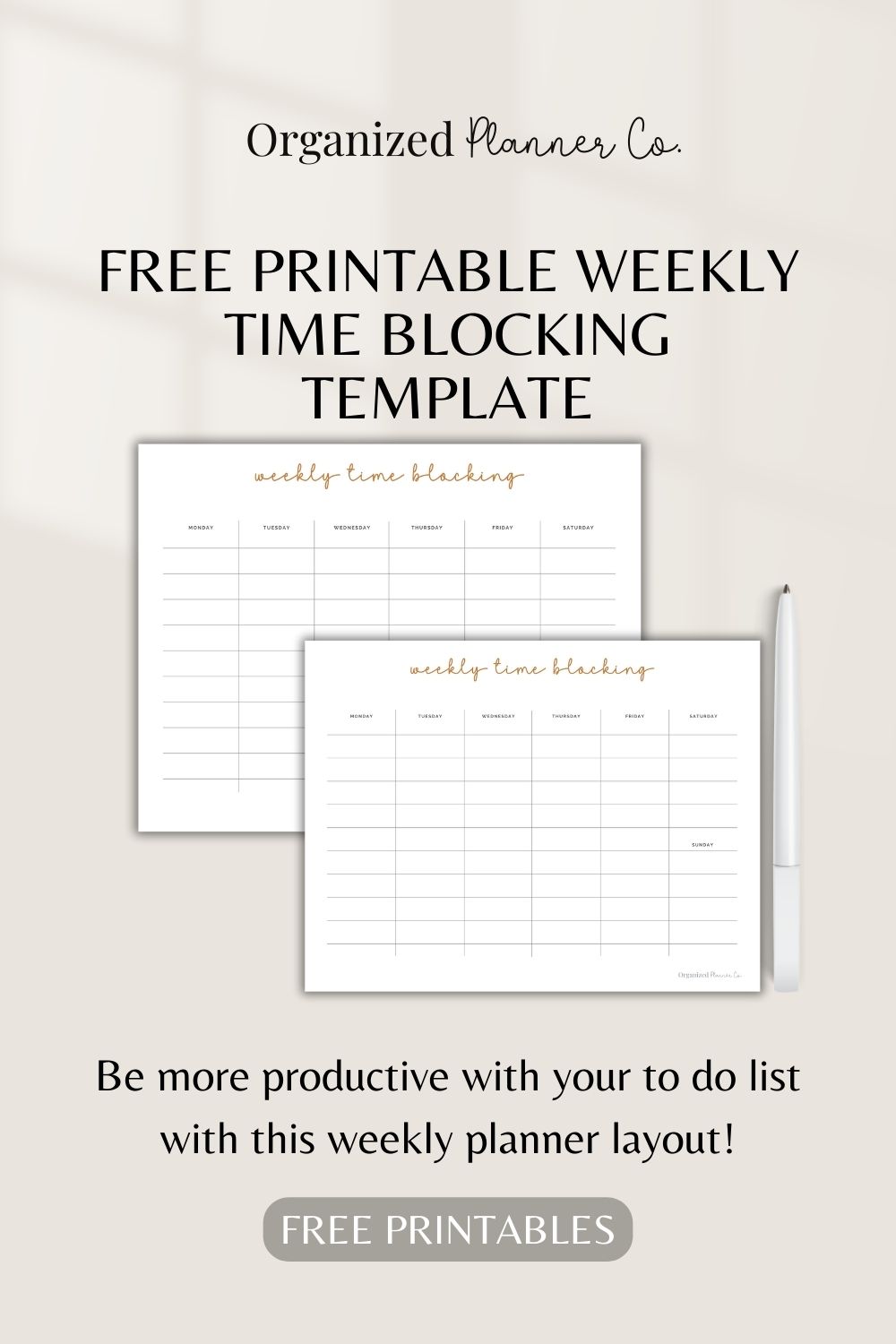
💡How to Use the Weekly Time Blocking Printable
The printable includes:
- Seven vertical daily columns (Monday–Sunday)
- Open, flexible space for writing time blocks your way
- Soft, clean layout that keeps your week simple and uncluttered
—all on one page that’s easy to use and even easier to stick with .
Here are a few ways you can use it:
- Create weekly routines for work, home, or homeschooling
- Block time for cleaning, workouts, errands, and appointments
- Plan a balanced week with space for rest
- Build structure around kids’ activities or busy seasons
- Use it as your “big picture” weekly dashboard
This template gives you the clarity of a structured week without the pressure of filling every minute.
Common FAQs
Weekly time blocking is a planning method where you assign tasks to general blocks of time instead of scheduling hour by hour. It helps you stay focused without feeling restricted.
It works well for busy moms, students, entrepreneurs, and anyone who wants a simple weekly structure without a detailed hourly schedule.
Yes. Time blocking reduces decision fatigue because you know what type of task belongs in each block. It keeps your mind from jumping around.
It is optional, but many people enjoy using color coding to keep categories clear. It makes the week easier to scan at a glance.