Weekly Overview Top 3 Priorities Printable to Stay Focused All Week (Free Printable)
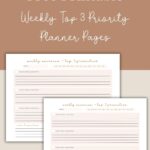
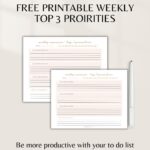
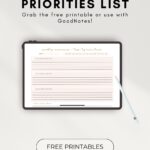
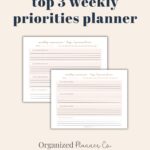
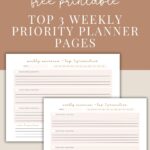


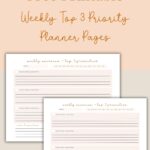
A weekly overview top 3 priorities printable is one of the easiest ways to stay focused and organized during a busy week. If you want a simple way to stay on track without getting overwhelmed by long lists, choosing just three weekly priorities can give you the clarity you need.
There are affiliate links in this post – please read my full disclosure policy. As an Amazon Associate, I earn from qualifying purchases.
When you narrow your week down to what truly matters, everything feels more manageable. This simple weekly overview helps you plan your top priorities, stay focused through the week, and keep the little things organized in one calm, easy-to-use space.
You can use this printable with the Daily Top 3 page or the Weekly Planner layout to break your priorities into smaller, manageable steps throughout the week.
⭐️Why a Weekly Top 3 Priority System Works
When your week feels scattered, it’s usually because everything is living in your mind at once. A weekly overview gives you a clear place to focus, choose what’s important, and plan your week with intention instead of rushing through it.

📌Step-by-Step: How to Set Your Weekly Top 3 Priorities
1. Identify what actually matters this week
Think about the tasks or goals that would make the biggest difference — at home, work, or for your family.
2. Choose three clear, doable priorities
These should be realistic and meaningful, not a giant to-do list squeezed into three lines.
3. Write them in the top section
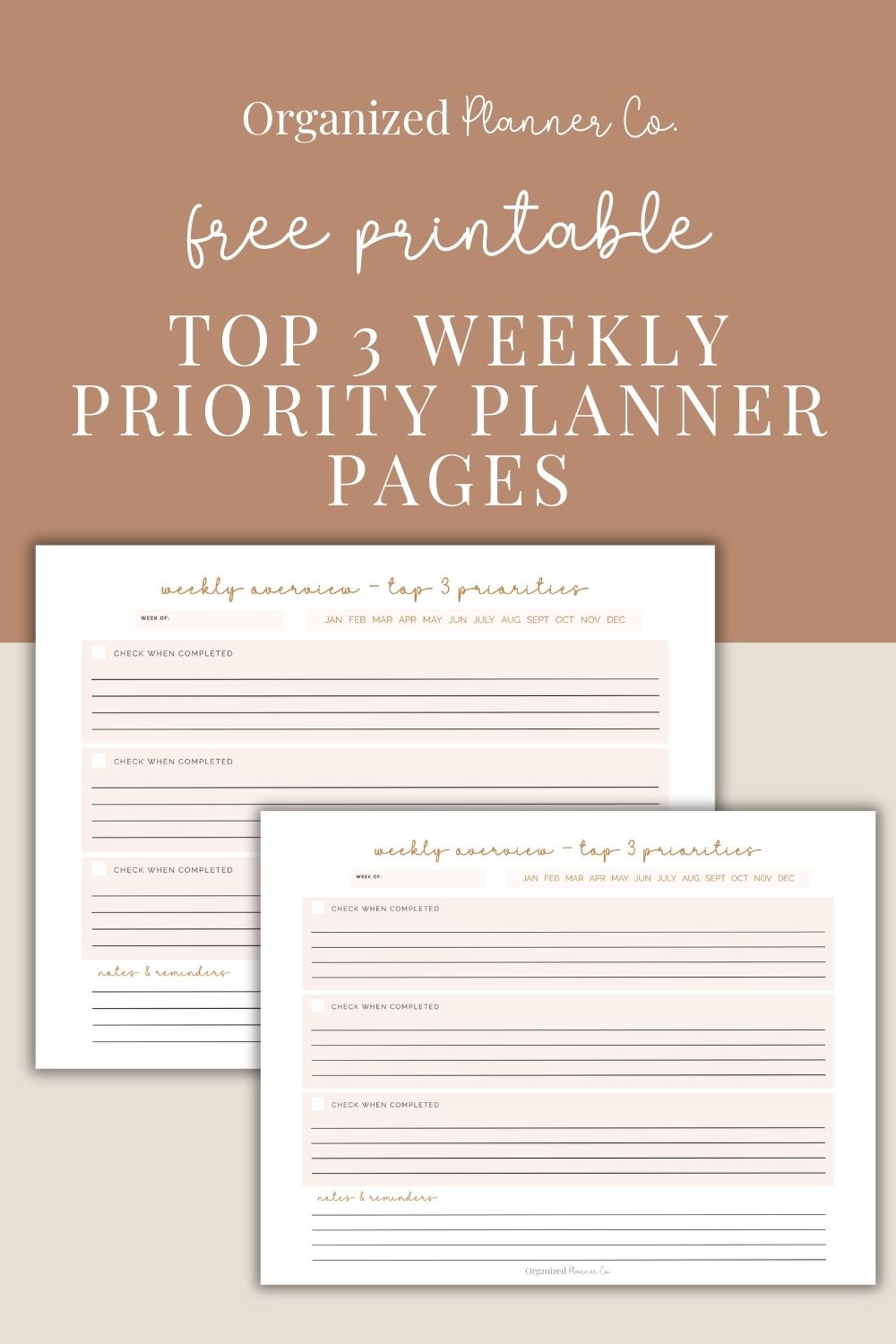
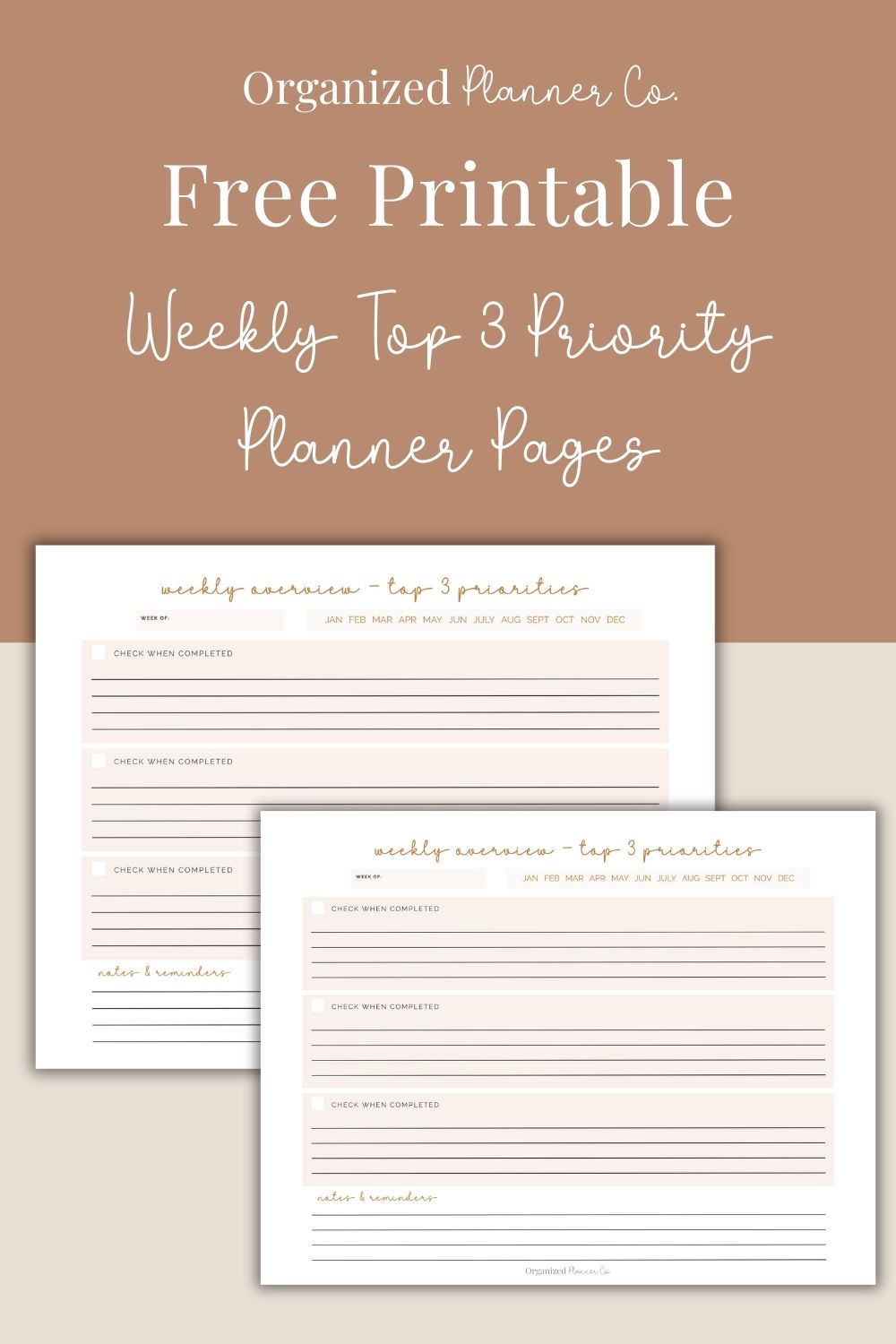
The printable gives you three priority lines with checkboxes, making it easy to see what your week is centered around.
4. Use the notes & reminders section
Add errands, deadlines, reminders, or anything you don’t want to forget.
5. Check them off as you complete them
This small moment of accomplishment helps you stay motivated and feel in control of your week.
🚨Tips to Make Your Weekly Planning Easier
- Set your weekly priorities on Sunday night or Monday morning.
- Keep your page where you’ll see it every day — on your desk, counter, or planner.
- Don’t add more than three priorities. Simplicity is what makes this method work.
- Move unfinished tasks to next week without guilt.
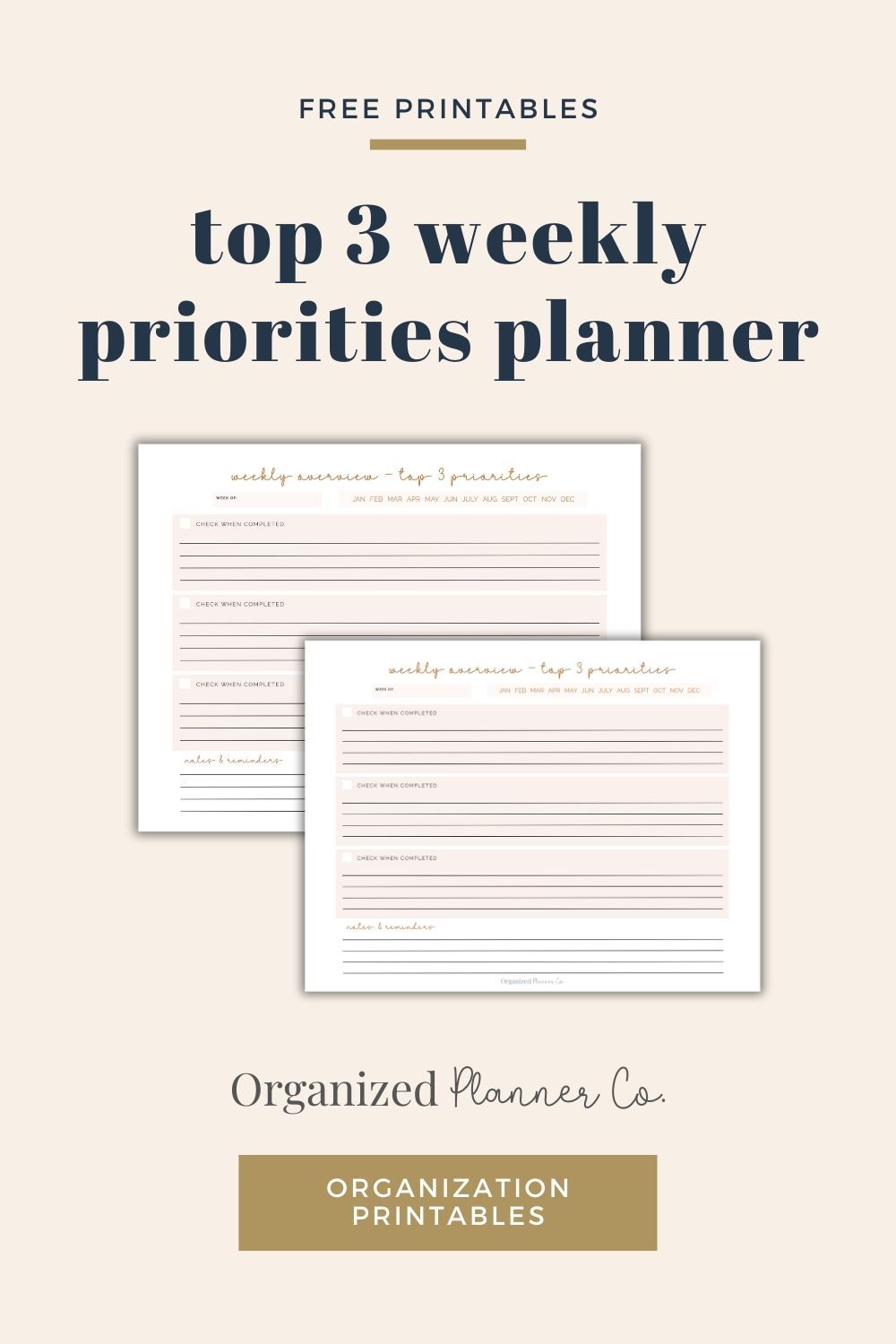
💡How to Use the Weekly Overview Top 3 Priorities Printable
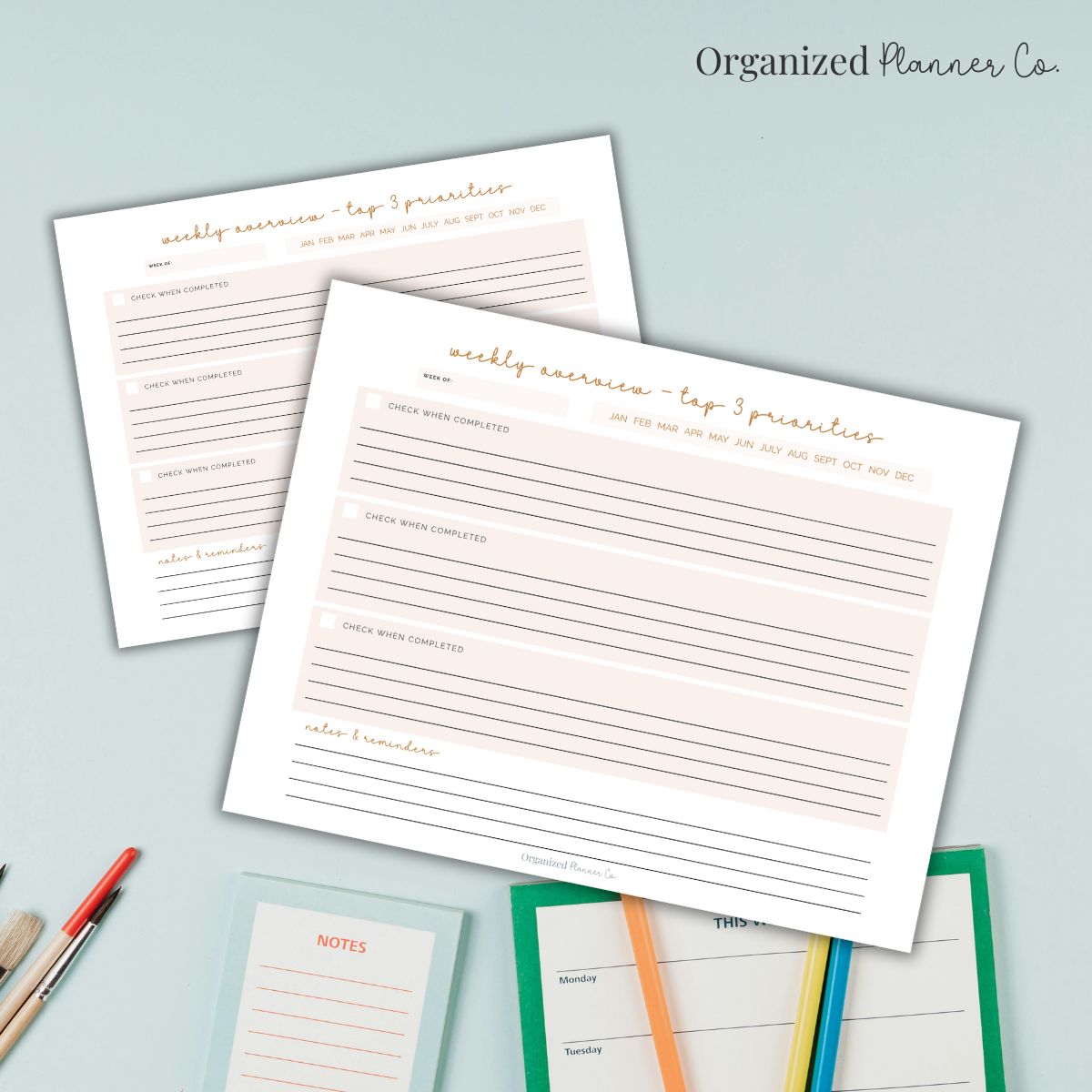
The printable on page 1 includes:
- “Week Of” header
- Top 3 priorities with checkboxes
- Notes & reminders section
- Monthly indicator bar (Jan–Dec for quick reference) all laid out in a clean, uncluttered design that’s easy to use .
Here are a few easy ways to use it each week:
- Keep it beside your weekly planner to stay aligned with your schedule.
- Use it as a dashboard for your week — your “big picture” overview.
- Print several at once and build a weekly routine around filling it out.
This page gives you the clarity of a full weekly planner without the overwhelm, making it perfect for busy weeks.
Common FAQs
Pick the three goals or tasks that would make the biggest impact on your week. These are usually tied to larger projects, personal goals, or important deadlines.
It can be either. Many people choose a mix depending on what the week looks like. The goal is to narrow your focus to what truly matters.
The weekly top 3 gives you direction, while a daily planner helps you take action. They work well together because the weekly focus keeps you grounded and the daily pages keep you moving.
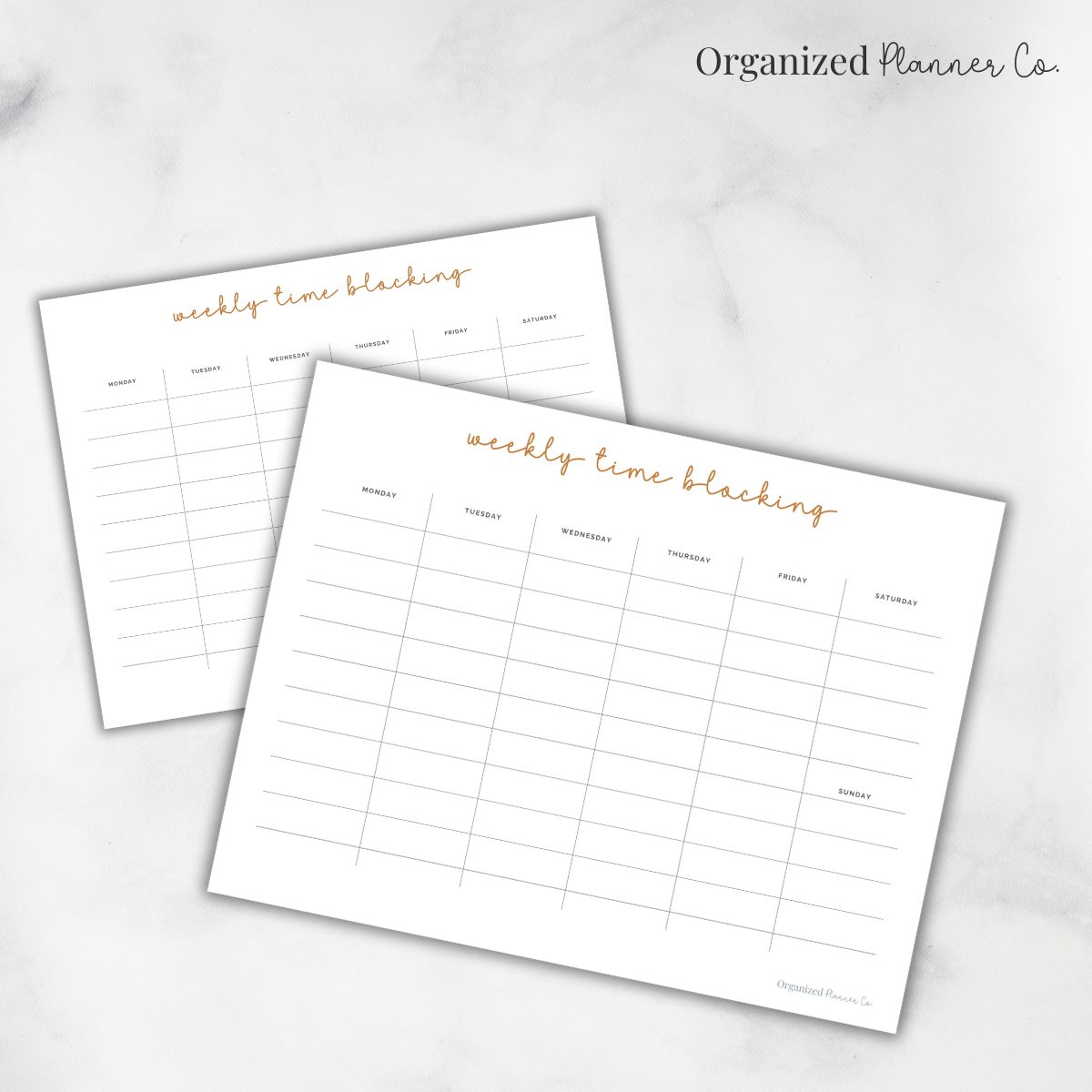
Yes. Time blocking helps you schedule when you will complete each top priority. It gives the weekly focus structure and prevents you from overloading your schedule.
❤️More Printables & Ideas You Will Love: